Signs your no-code app (Bubble, Airtable, Adalo) has outgrown the platform
2026-10-01 · Appsoluty team
Founders ask us "should I ditch no-code?" more often than they ask the question that actually matters: has my no-code app outgrown the platform it's built on. Those are different questions. The first is about ideology. The second has a concrete, checkable answer, and it's the one worth spending time on. If spreadsheets and manual process are the real bottleneck, not a specific platform, the signs look different and so does the fix. This piece is about the platform-specific version: Bubble, Airtable, and Adalo each hit their own ceiling, in their own way, and founders commonly run all three at once without realizing which one is actually the constraint.
The timing matters. Pre-validation, no-code is still the right call for almost any idea: cheap, fast to change, reversible if the idea doesn't work. Post-validation, with paying users and real revenue on the line, a platform ceiling stops being theoretical. It shows up as a bill that keeps climbing, a page that takes three extra seconds to load at the worst possible moment, or a developer invoice for patching something the platform was supposed to make unnecessary. None of those are reasons to panic over a single bad week. They're reasons to check whether the pattern is repeating.
Bubble: the specific signals
1. Workload units and capacity throttling are eating your margin
Bubble prices usage through workload units, and it charges for searches, recursive workflows, and API calls, not just page views. A breakdown of Bubble's workload-unit pricing and its scaling ceiling lays out how this turns into a feedback loop: heavier load triggers throttling, throttling causes timeouts, timeouts trigger retries, and retries add even more load to a system that was already struggling. The same source notes that workflows time out entirely past roughly 300 seconds, which is its own kind of ceiling for anything data-heavy. If your Bubble bill has grown faster than your user count, that's not a pricing quirk. That's the platform telling you something.
2. Page and workflow performance degrades past a few thousand daily sessions
Bubble runs cleanly around 1,000 daily sessions. An analysis of where Bubble's performance starts to crack puts visible lag closer to 10,000. That's not a hard wall, it depends on how much your workflows do and how large your dataset has gotten, but it's a believable range: if your product is in that zone and getting slower by the month rather than staying flat, you're watching the ceiling approach in real time, not hitting a one-off slow day.
3. You're already paying a developer to patch what "no-code" was supposed to avoid
This one is less about a number and more about a pattern. Native device APIs, custom animations, offline behavior, anything Bubble doesn't do natively, gets solved by hiring someone to write plugin code or wire in a workaround. At that point you're running custom software with extra steps: you're paying developer rates, but you're paying them to work around a platform instead of working with one you actually control.
Airtable: the specific signals
1. Records and automations slow down long before the plan's cap
Airtable's per-base record ceiling scales with your plan, from four figures on entry-level plans up into the hundreds of thousands on top-tier plans, but Airtable's published record ceilings by plan note that usability degrades well before anyone actually hits the number on the pricing page. The same source puts it more concretely: practitioners report Airtable staying smooth at a few thousand records and visibly lagging well before the plan's formal cap, and that's where Airtable usability actually breaks down before the formal ceiling. If your base is in that middle zone and every view takes a beat longer to render than it used to, the plan's row limit was never the real constraint.
2. It's become one person's homegrown system, not shared software
If the base only works because one person knows which views, scripts, and automations depend on each other, that's the same single-point-of-failure problem covered in more depth on the spreadsheet side of this. The Airtable-specific version is usually worse, because the automations are quieter and easier to break without anyone noticing until a report comes out wrong.
3. Dashboards and reporting can't answer the questions the business now needs answered
A midmarket agency using Airtable as its system of record found that dashboards with 10 to 15 charts took three to five minutes to load, according to one agency's account of Airtable dashboards taking minutes to load. That's not a formatting problem. It's what happens when a tool built for flexible record-keeping gets asked to do real-time business intelligence, a job it was never designed for.
Adalo: the specific signals
1. Concurrent users and dataset size start degrading the app
Adalo app builders commonly report performance starting to decline somewhere in the range of 50 to 100 concurrent active users, according to developer reports on Adalo's performance under concurrent load. That figure is a loose, community-sourced range rather than a published spec, so treat it as a signal to watch for rather than a fixed trigger. Dataset size compounds the same problem: collections approaching roughly 10,000 records show noticeably degraded performance, and a developer's documented performance analysis on Adalo's own forum describes a real case of degrading performance as a dataset grew, serious enough that the team lost confidence in scaling further on the platform.
2. App store reviews start naming the lag
Once an Adalo app crosses into real usage, the complaints that show up in app store reviews stop being vague. They get specific: screens that take too long to load, lists that stutter when scrolling, sync that falls behind what the user just did. That's the same pattern the forum case above describes playing out in public, where customers see it before the team does.
What outgrowing the platform actually costs you
This isn't a best-practices argument. It's a cost one. Wait too long on a platform you've already outgrown, and the eventual migration gets more expensive the longer you put it off: estimates for what a Bubble-to-custom-code migration actually costs put a typical project at $50,000 to $200,000 over three to six months, depending on how tangled the existing app has become. The platform fee is the visible cost. The slow page load that makes a customer bounce, the automation that silently fails and throws off a report someone makes a decision on, the feature you can't ship because the platform won't support it, those are the costs nobody puts on an invoice. Growth is the quiet one: every week spent working around a ceiling instead of building the next feature is a week a competitor without that ceiling doesn't lose.
What to do next: a migration path that isn't a rebuild from zero
Most of the content written about this problem comes from migration shops with an obvious incentive to recommend a full rebuild. Most of the time, that's not what the situation actually calls for.
1. Audit what's actually broken vs. what's just annoying
A single slow Tuesday isn't a reason to migrate. A repeated, worsening ceiling is. Before committing to anything, separate the signals that show up once from the ones that show up every week and are getting worse. Only the second kind justifies the cost of migrating.
2. Replace the backend first or the front end first, not necessarily both
If the platform's data layer is the bottleneck, the UI the team and customers already know can often stay in place while the backend moves to something that actually scales. If the front end is what's breaking, behind a backend that's otherwise fine, the reverse works just as well. Treating every migration as all-or-nothing is how a six-month project becomes a twelve-month one, and it's rarely necessary.
3. Discovery, then a scoped estimate, then phased delivery
A real migration starts with discovery, not a quote. We estimate hours upfront at $70 an hour, work can typically start within days of the first call, and billing is weekly based on hours actually worked rather than a lump sum paid before anything ships. A project like this runs through a dedicated team, developers for whatever stack the migration needs, plus dedicated QA and dedicated UX and UI, rather than a single generalist juggling the whole thing. That structure is what makes a phased, backend-first-or-frontend-first approach actually deliverable instead of just a nice idea on a sales call.
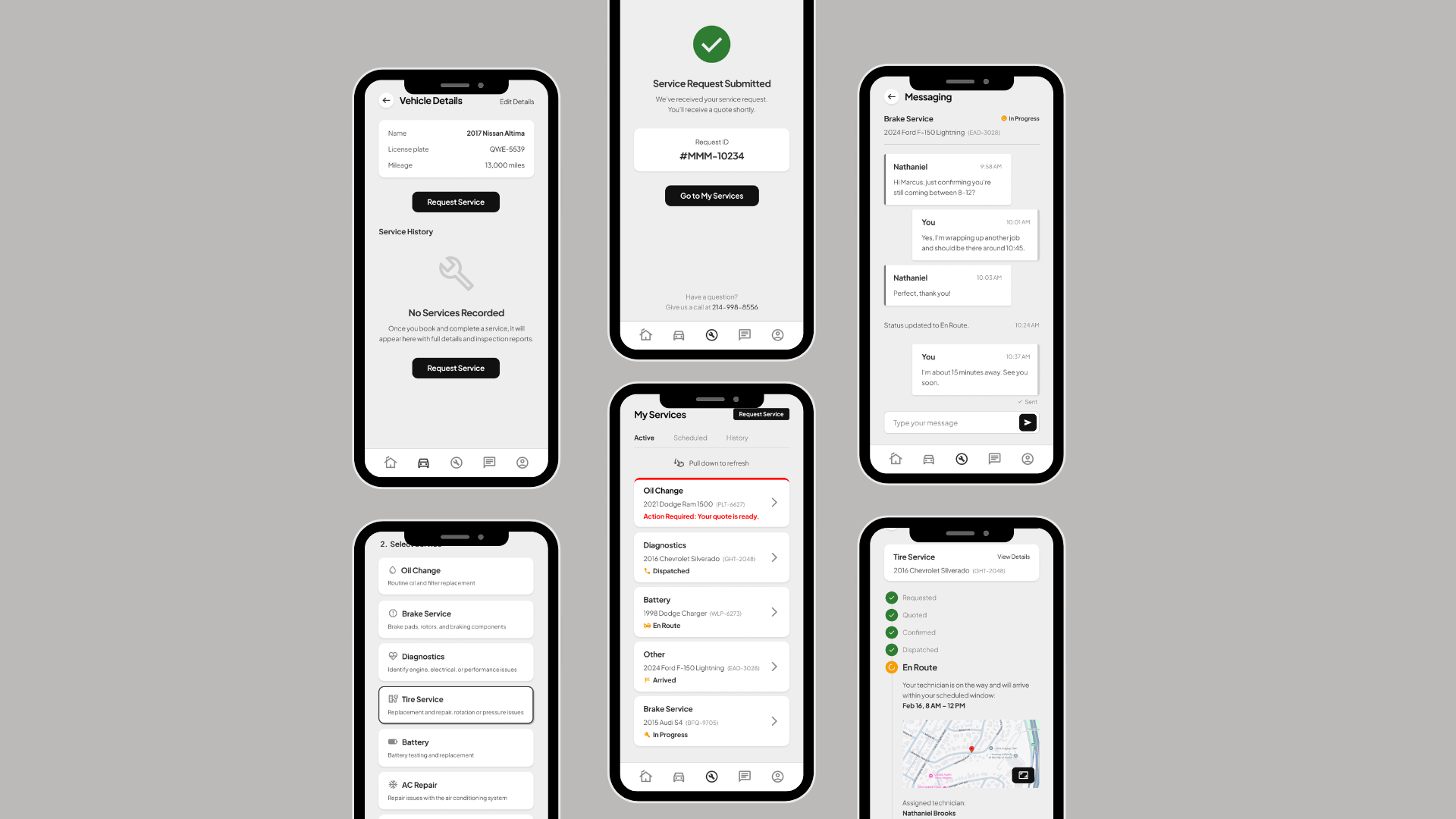
As a reference point for what a custom build looks like once a product is well past MVP, a custom-built two-sided marketplace at full scale shows the kind of app complexity that two-sided marketplaces, a common first project on Bubble or Adalo, eventually grow into. It's an illustration of the destination, not a claim about how that particular project got there.
Choosing a partner for the migration
A no-code migration is exactly the kind of project where the wrong partner costs you twice: once in the money spent, and again in the rework when the first attempt doesn't hold up. If a freelancer built the original no-code app and you're now looking at a team instead, the tradeoffs are worth weighing honestly after a bad first experience before you sign anything. And whoever you're vetting for the migration itself, the same scrutiny applies: the warning signs worth checking for before you commit matter just as much on a migration as on a from-scratch build, maybe more, since a migration partner also has to understand what they're inheriting.
FAQ
Can I migrate off Bubble, Airtable, or Adalo without losing my data?
Yes, in almost every case. Bubble, Airtable, and Adalo all support exporting the underlying data, and a competent migration plan maps that data to the new schema before any UI work starts. The risk isn't losing data outright, it's losing the relationships and automations built around it if the audit step gets skipped.
How long does a no-code-to-custom migration take?
For a Bubble-scale app, figure three to six months depending on complexity, with cost typically landing between $50,000 and $200,000. A narrower, backend-first or frontend-first migration can land well under that if only part of the system actually needs to move.
Do I have to replace everything at once?
No, and in most cases you shouldn't. If the backend is the bottleneck, migrate the backend and keep the interface your team already knows. If the front end is what's breaking, migrate that first behind a backend that's still doing its job. All-or-nothing is a choice, not a requirement.
Is Airtable ever fine to keep long-term?
Yes. Airtable is a genuinely good system of record for teams that need flexible, spreadsheet-like data entry without heavy reporting demands. The point it stops being fine is the point where it's doing double duty as both the database and the business-intelligence layer, which is when the dashboards start timing out and the automations start running the business without anyone fully understanding how.