Custom Software for Property Management Companies: Build vs. Buy
2026-10-06 · Appsoluty team
Property managers don't swap software because they're bored with it. They swap it because the gap between what an off-the-shelf platform handles and what a growing portfolio actually needs gets too wide to patch with another workaround. That's the point where custom software for property management companies stops being a hypothetical and starts being the only thing that fits, usually not a full platform replacement, but the two or three workflows the shelf product never handled well. Here's how to tell which situation you're in, and what building actually costs.
Why off-the-shelf property management software stops working as you scale
Every general-purpose property management platform is built for the median customer: a manageable unit count, standard lease terms, one jurisdiction's compliance rules. That's fine until your operation stops being median. Five workflows tend to break first, in roughly this order.
Tenant screening is the earliest casualty. Most platforms ship a generic screening flow: credit check, background check, a pass/fail threshold. Operators with their own qualification logic, different income multiples by property class, co-signer rules for certain unit types, additional checks for short-term versus long-term leases, end up running screening half inside the platform and half in a side process, because the tool has no concept of "it depends."
Maintenance requests scatter next. Tenants text the property manager directly, email the leasing office, call the emergency line, and occasionally use the app's own ticket queue, all for the same leaky faucet. Nothing forces every channel into one record, so vendors get dispatched twice, tenants follow up three times, and the property manager becomes the human router stitching the channels back together.
Rent collection looks solved until reconciliation day. The platform collects rent and shows a balance, but once you're managing on behalf of multiple owners with different payout schedules and fee structures, the numbers that reconcile cleanly in the platform stop matching what actually needs to go out the door. That reconciliation often gets rebuilt in a spreadsheet every month regardless of what the platform claims to automate; if that sounds familiar, it's worth reading signs you've outgrown spreadsheets to see how far that pattern usually has to go before it's a real liability rather than a minor annoyance.
Vendor and compliance tracking is often missing entirely. Insurance certificates expire, licenses lapse, and most platforms either don't track vendor documents at all or treat it as an afterthought field nobody maintains. The operator finds out a vendor's insurance lapsed when something goes wrong on a job site, not before.
Multi-property reporting rounds it out. Owners want portfolio-level views, performance by property, trailing comparisons across units. The platform gives you per-property reports and leaves the roll-up to whoever is willing to copy numbers into a spreadsheet by hand.
None of this makes the platform bad. It means the platform was built to serve thousands of customers who each need a slice of it, and you've grown into the part of the business that slice doesn't cover.
What building actually means here
Building custom software for a property management business almost never means replacing the whole platform. It means building the two or three workflows that are actually broken, the ones from the list above that cost real time every week, and leaving everything that already works alone.
That distinction matters because it changes the scope and the cost. You're not rewriting lease management, tenant portals, and accounting from zero. You're building, say, a maintenance ticketing and vendor-dispatch system that unifies the channels, or a vendor-compliance tracker with expiration alerts, or an owner-facing reporting layer that pulls from your existing data instead of a spreadsheet, and then connecting it to the accounting system, the screening vendor, and the payment processor you already use and don't want to replace.
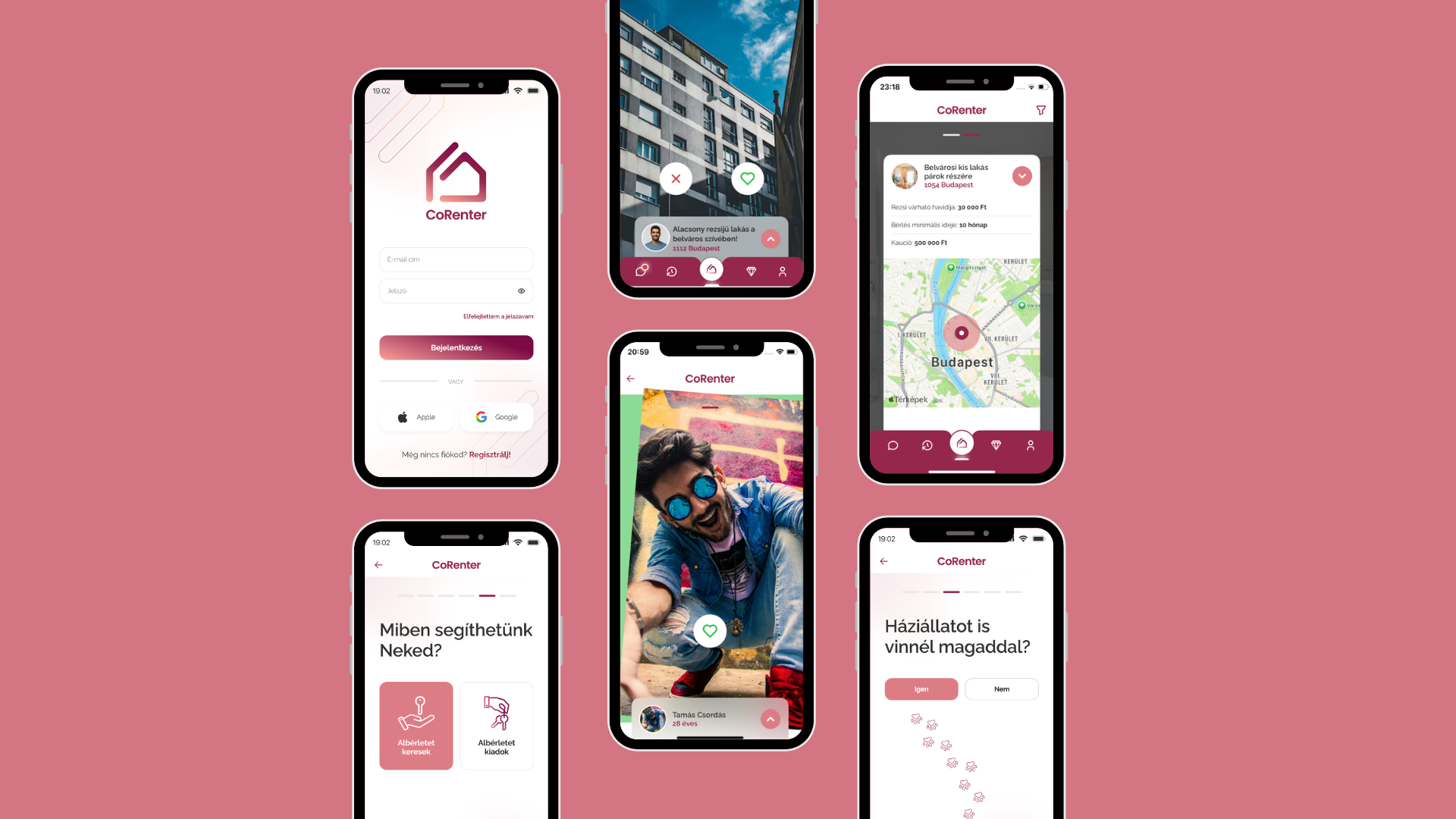
That integration work is most of the real engineering, not the glue. A custom build that ignores the tools already paying their way just recreates the same scattered-system problem with newer branding. We've built rental-side matching products like CoRenter, and the pattern holds across that kind of work: the hard part is rarely the new screen, it's making the new piece talk cleanly to everything the business already depends on.
Build vs. buy: how to decide
This isn't a loyalty question. It's a fit question, and the same build-vs-buy logic applies to field service dispatch and most other operational software: the tool you're using was never wrong, it's just scoped for a different stage of the business than the one you're in now.
Stay on off-the-shelf if most of this describes you: your portfolio is small enough that manual workarounds take minutes, not hours, each week; your workflows are standard enough that the platform's defaults actually match how you operate; and you're not yet paying a second SaaS subscription just to cover a gap the first one left.
Start taking custom seriously when you recognize these signs instead: your team has quietly normalized a workaround, like a shared spreadsheet that functions as the "real" system while the platform is the one everyone pretends to use; staff are double-entering the same maintenance request or compliance record in two places; a missed vendor-compliance item has already created a liability problem rather than just an inconvenience; or your reporting cycle eats days of manual compilation every single month.
One more case worth separating out: if you already have an aging custom system, your question usually isn't build versus buy anymore, it's whether to rebuild it or refactor what's there, which is a different decision with a different cost shape.
What it costs and how long it takes
We're not going to hand you a cost range for "custom property management software," and you should be skeptical of anyone who does. The published cost figures we found while researching this piece didn't hold up: some were unverifiable, and at least one "cost breakdown" turned up word-for-word identical across articles that just swapped in a different city name. That's not a benchmark, it's templated content, and treating it like real data will send your budget planning in the wrong direction before you've had a single scoping conversation.
What actually drives cost is simpler to reason about even without a market stat attached to it: how many of those broken workflows you're fixing, how many systems you need to integrate with, and how much historical data, leases, tenant records, vendor history, has to migrate cleanly into the new pieces. A single maintenance-ticketing rebuild with one integration costs a fraction of a project that also rebuilds vendor compliance and multi-property reporting with data migration from three source systems. Anyone quoting you a number before that scope exists is guessing.
Here's how we scope it instead. Every engagement opens with a discovery phase to work out the actual scope and build an execution plan, followed by design, before a line of code gets written. Appsoluty bills at $70 an hour, with hours estimated upfront so you can see the projected cost before committing to it, either milestone-based or hourly depending on what fits the project, billed weekly based on hours worked once the contract is signed. Work can start within a few days of that first call. If you're weighing this against hiring in-house instead of outsourcing it, the real total-cost-of-ownership math usually tips the comparison further than people expect going in.
A worked example
Here's a composite example built from the pattern above, not a specific client engagement. Picture a property manager running around 40 single-family rentals across two states, growing past the point where the off-the-shelf platform's reporting and compliance tools were ever designed to stretch.
Three things were broken. Maintenance requests came in through four different channels and got triaged by whoever happened to see them first, so some vendors got dispatched twice and others got missed for days. Vendor compliance lived in a spreadsheet that one person updated when they remembered to, and a lapsed insurance certificate had already caused one uncomfortable conversation with an owner. Portfolio reporting meant exporting per-property numbers every month and rebuilding owner statements by hand.
The fix wasn't a new platform. It kept the existing accounting system and payment processor exactly as they were, because those worked fine, and built three connected pieces instead: a maintenance intake and dispatch system that merged every channel into one ticket record and routed it to the right vendor automatically, a compliance dashboard that flagged expiring insurance and licenses before they lapsed instead of after, and an owner-facing reporting layer that pulled live numbers from the existing accounting data rather than requiring a manual export. Discovery mapped the three workflows and the integrations each one needed, design came next, and the build itself moved in milestones so the operator could see each piece working before paying for the next one.
FAQ
Is custom software worth it for a single-portfolio operator?
Usually not on its own. If you manage one portfolio with standard leases and a unit count small enough that your current workarounds cost minutes rather than hours each week, an off-the-shelf platform is still doing its job. Custom software earns its cost when the broken workflow is costing real time or real liability every week, not when it would just be nicer to have.
Can I replace just one module instead of the whole stack?
Yes, and that's usually the right scope. Most custom property management builds we'd recommend touch two or three workflows, like maintenance ticketing, vendor compliance, or multi-property reporting, while leaving the accounting system, screening vendor, and payment processor exactly where they are. Replacing a whole platform when only a few pieces are actually broken is the expensive way to solve this.
How long does it take?
It depends entirely on how many workflows you're fixing, how many systems they need to integrate with, and how much data has to migrate cleanly. What we can tell you without guessing: the process starts with a discovery phase to lock down scope and build an execution plan, moves into design, and then into milestone or hourly delivery, and the first call to a signed contract and started work is usually a matter of days, not months.
Do I still need my existing PM platform alongside custom software?
In most cases, yes. The point of this approach is keeping what already works, lease management, tenant portals, accounting, and replacing only the pieces that have become the bottleneck. A full platform rebuild is rarely the right call; building the broken two or three workflows and integrating them with everything else usually is.